Parent Guide

Making Games Safe & Fun

Video games offer excellent opportunities for cognitive development, hand-eye coordination, and joint family problem solving. However, navigating console settings, chat functions, and age ratings can feel overwhelming.

Our parenting guide library compiles the core facts about console safety gates, screen-time locks, and multiplayer filters. We focus exclusively on creative sandbox setups and local multiplayer games that ensure a positive, cooperative gaming environment.

Browse Wholesome Games
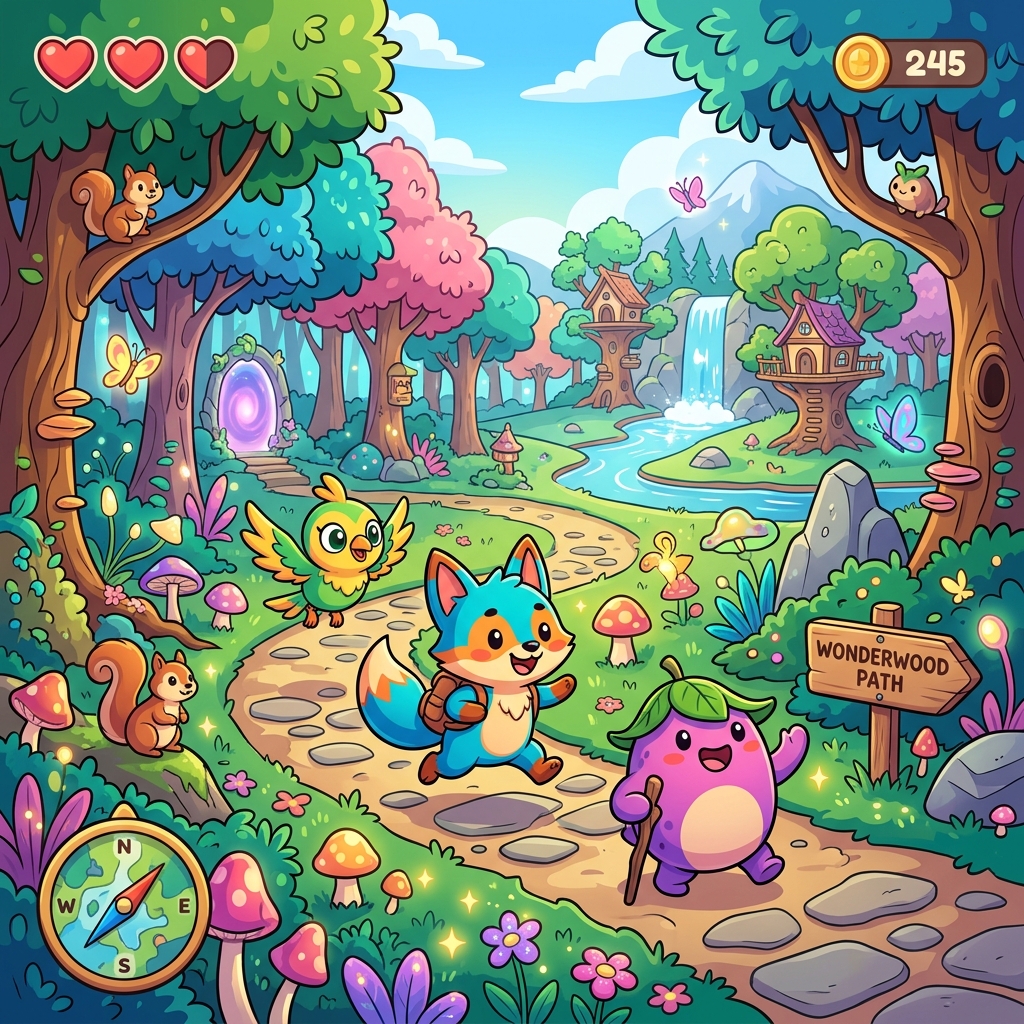
Family Friendly Magical Game Scene

Top Family Recommendations

These titles offer exceptional accessibility features, puzzle-solving gameplay, and co-op opportunities without stressful mechanics.

Age 3+

Animal Crossing: New Horizons

A relaxing island sandbox. Perfect for creative designing, gathering resources, and playing together at a slow pace. Highly recommended for young children developing basic motor controls.

Category: Creative Sandbox
Best For: Creative Play
Age 7+

Minecraft: Creative Mode

Infinite blocks, zero danger. Creative mode removes survival stress, allowing children to build structures, study basic geometry, and collaborate on shared worlds locally.

Category: Construction / Logic
Best For: Problem Solving
Age 5+

Mario Kart 8 Deluxe

Excellent racing game with robust accessibility features. Features auto-acceleration and smart steering to assist younger children who are still learning how to navigate tracks.

Category: Racing / Family Co-op
Best For: Reflexes & Fun

Parental Safety FAQ

How do I manage screen time on modern consoles?

Nintendo Switch, PlayStation 5, and Xbox Series X/S all feature built-in parental control mobile applications. You can set daily time limits that notify the player or automatically suspend play when the limit is reached.

What are age ratings and should I rely on them?

ESRB (North America) and PEGI (Europe) ratings provide age suggestions based on game content. Always check the descriptive descriptors (e.g. "Mild Fantasy Violence", "User Interact") to make an informed decision.